
Save 37%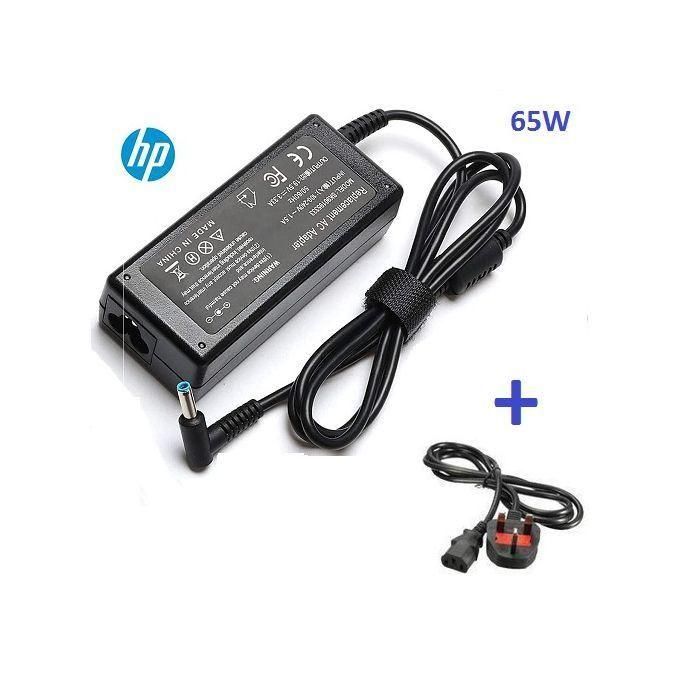
Computing
HP Small Blue Pin Adapter Replacement – 19.5V with Fused Power Cord – Black
GH₵190.00GH₵300.00
In stock
Technology for work, home and play.
Product Title: 4G LTE Pocket MIFI with up to 300 Mbps speed Connectivity: Supports 4G, LTE, and 3G networks; connects up to 10 devices simultaneously Speed: Download speeds of up to 300 Mbps Battery Life: 3000mAh battery lasting 6-8 hours on a full charge Wi-Fi Frequency: Operates on a 2.4GHz frequency Versatile Usage: Compatible with various SIM cards and data bundles Compact Design: Portable and ideal for on-the-go internet access
Choose an available option at checkout.
Payment choice follows delivery details.
Call or WhatsApp 06:00–22:00.
Server-validated price and stock.
Product information
4G LTE Pocket MIFI Up To 300 Mbps – 3000mAh Type-C Fast Charging Battery Product Description Experience seamless wireless broadband internet with the 4G LTE Pocket MIFI . This portable solution offers lightning-fast browsing and download speeds of up to 300 Mbps , making it perfect for all your online needs. Multi-Device Connectivity : Connect up to 10 Wi-Fi-enabled devices simultaneously, ensuring that all your gadgets stay online. Mobility : Equipped with an internal battery, this MIFI allows you to stay connected anywhere across the country, whether in 4G , LTE , or 3G coverage areas. Versatile Usage : Utilize different SIM cards and data bundles activated on the line for flexible browsing options. Product Specifications Model : MF603V+ Network Compatibility : Supports 4G and 3G networks Download Speed : Up to 300 Mbps Battery Capacity : Lasts 6-8 hours on a full charge Maximum Devices Connected : Connects up to 10 devices simultaneously Wi-Fi Frequency : Supports 2.4GHz frequency Battery : 3000mAh How to Change Your MTN MiFi Password Connect to the MiFi and visit 192.168.0.1 in your web browser. Use ‘admin’ as the password. Navigate to the Wi-Fi settings and change the WLAN key as desired.
At a glance
Customer feedback
No approved reviews yet.
Only moderated reviews are published
Sign in to submit a review. Reviews are moderated before publication.
You may also like
Computing
In stock
Computing
In stock
Computing
In stock
Computing
In stock
Computing
In stock